
Short answer
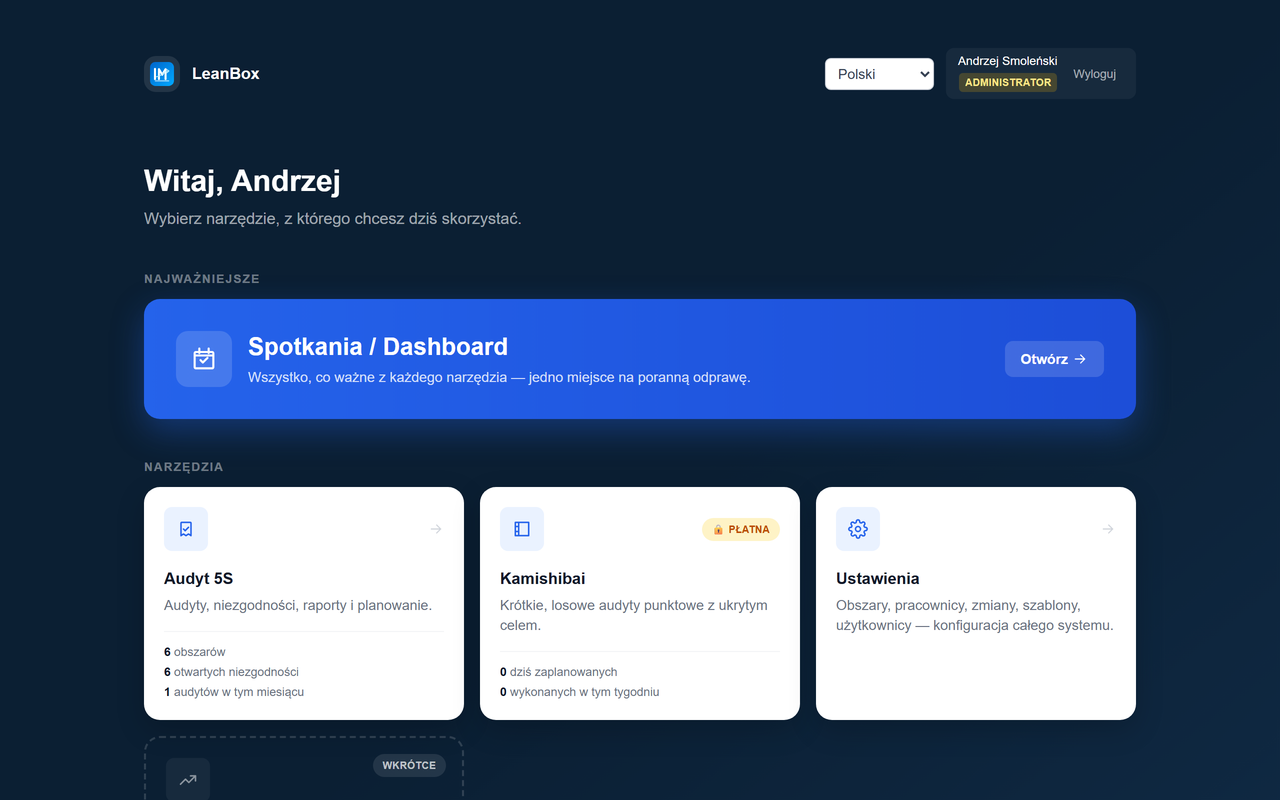
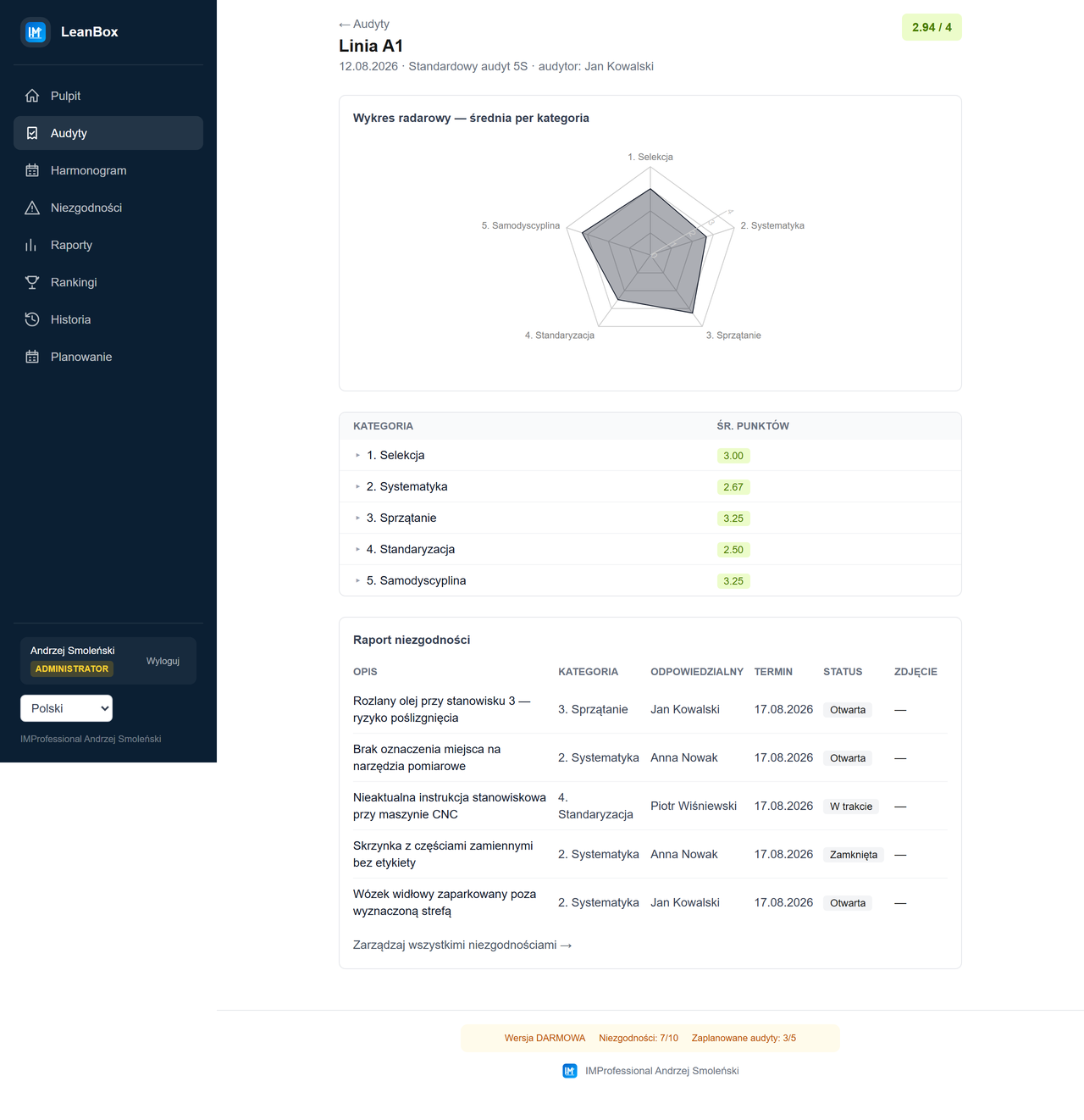
5S Audit is a module of the LeanBox system: you conduct a 5S audit of an area using a checklist (5 categories, scored 0–4), report findings with a photo, an owner and a due date, and the app calculates the score and draws a 5S radar chart. On top of that: audit scheduling (manual or automatic, with calendar invites), a Housekeeping mode (a random, ad hoc walk without a checklist) and a Kamishibai module (short spot-check audits whose target stays hidden until the last moment). The free version includes everything except Kamishibai and is limited to 10 findings and 5 scheduled audits at once.
Why this tool exists
5S audits at most companies I've seen over more than 20 years working in production management end up as a paper checklist or an Excel sheet that nobody opens after a month. Findings get lost because nobody gets a reminder about the deadline, and the audit score is never compared over time — it's hard to show the team that 5S is actually improving.
LeanBox was built so a 5S audit takes as long as it should — just walking the floor and looking — instead of filling out another document. You photograph a finding with your phone straight from the form, the 5S radar chart and score history calculate themselves, and audit scheduling with deadline reminders takes calendar management off the leader's plate.
This tool is free for small teams and single areas. The paid version unlocks full scale — no limit on findings and scheduled audits — plus the Kamishibai module, for companies that want a real audit system, not just a checklist.
What the tool does
- Areas and checklists — a hall/line/machine/warehouse/office-zone hierarchy, custom checklist templates per area type, upload of an area's layout plan.
- Step-by-step 5S audit — 0–4 scoring of each question with a comment and photo, reporting findings (description, 5S category, owner, deadline, photo) directly during the audit.
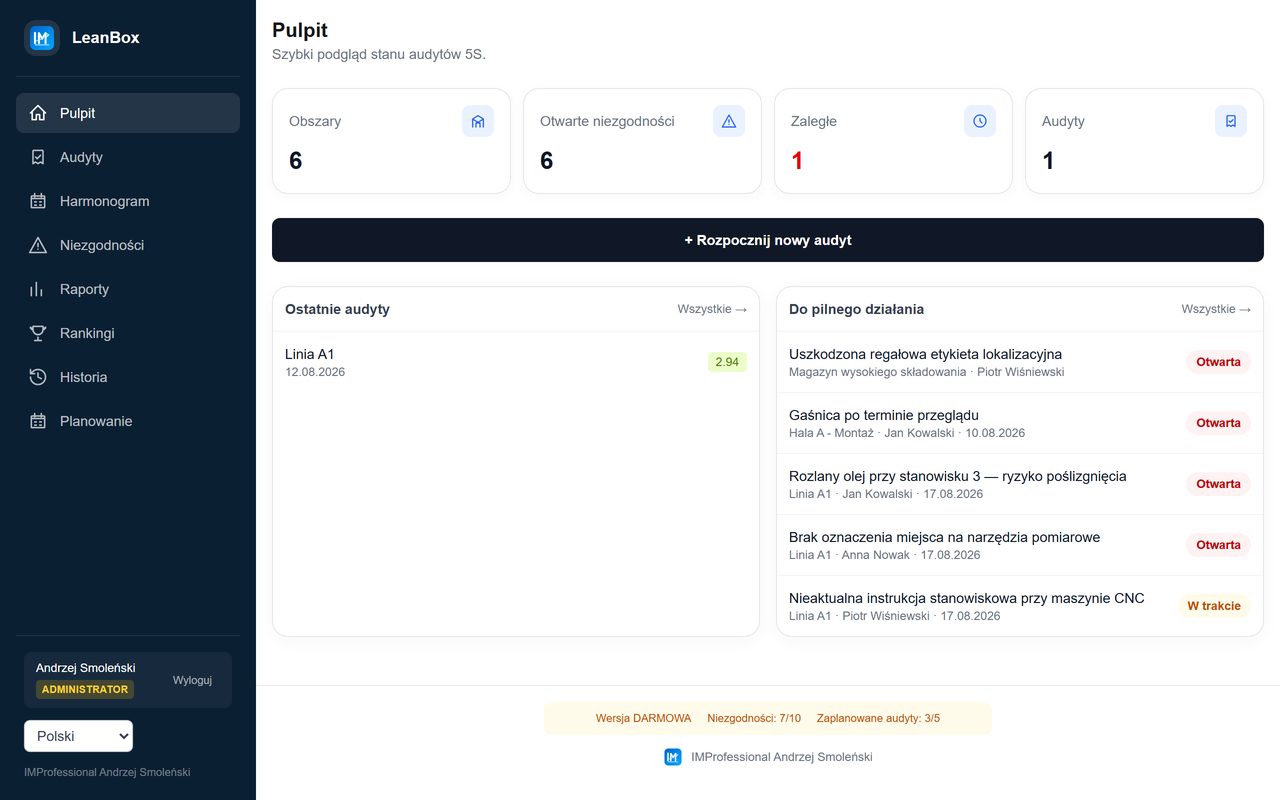
- 5S radar chart and history — a radar chart of the score by category for each audit, score trend over time, a table of areas with the most findings.
- Housekeeping — an ad hoc, random managerial walk without a checklist, with its own annual auditor rotation schedule.
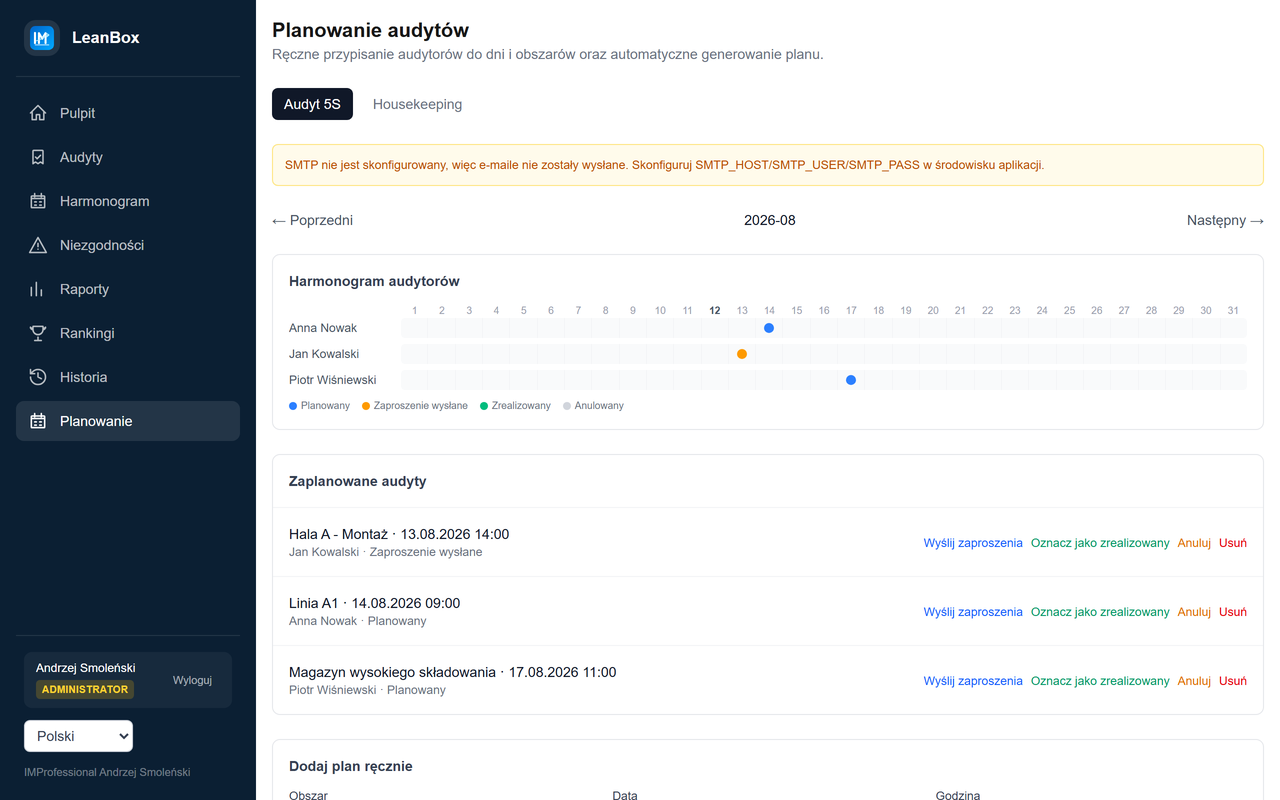
- Audit scheduling — manual or automatic (by a monthly audit limit per auditor), calendar invites (Outlook/Gmail) and email reminders before an audit.
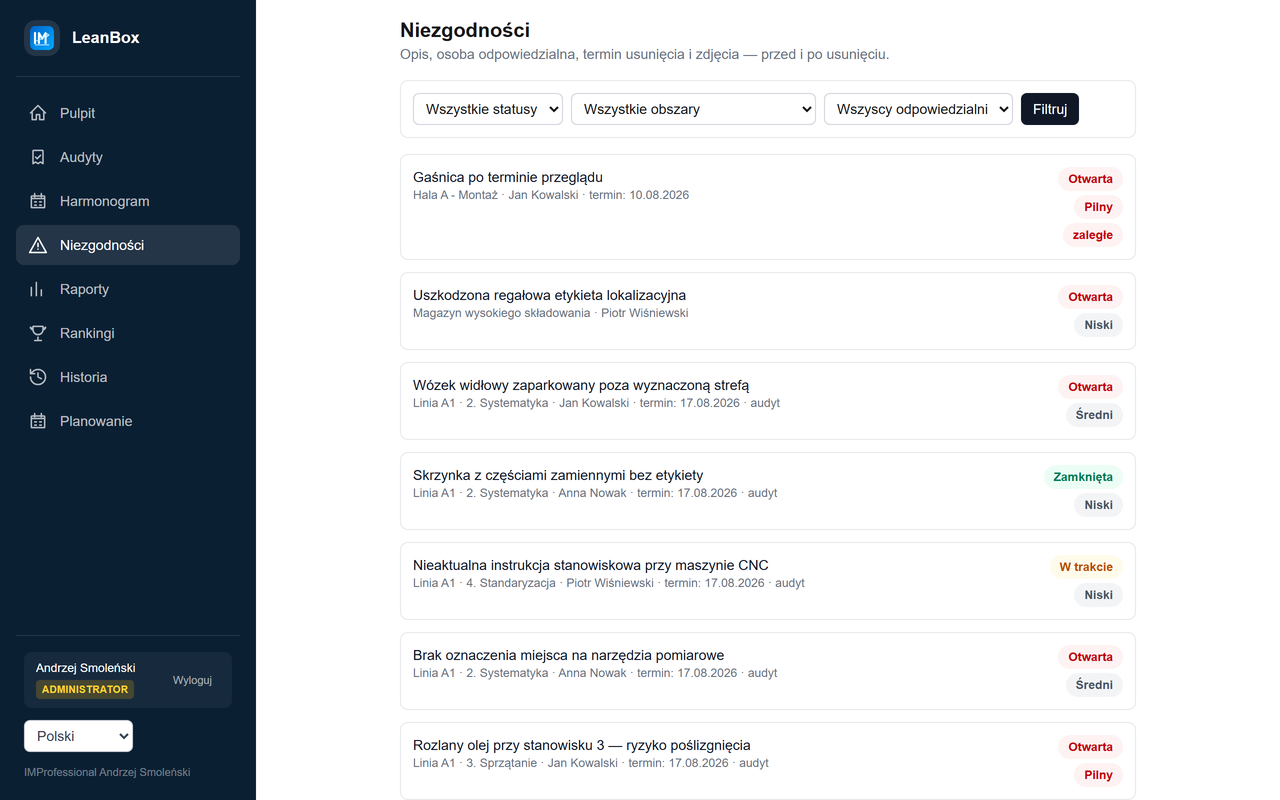
- Findings — a list filterable by status/area/owner, before/after photos, overdue flagging, an optional AI suggestion for priority and deadline.
- Kamishibai (paid version) — short spot-check audits: the system draws the date, team and area, and the target is only revealed right before it starts — a real random-check mechanism, not just a schedule.
- Reports and rankings — open/overdue tasks by owner, a Gantt chart for team meetings, a shift/crew ranking by average audit score.
Screenshots
How it works in practice
Free vs. paid version
Free version
- unlimited 5S and Housekeeping audits,
- max. 10 findings in total,
- max. 5 scheduled audits at once,
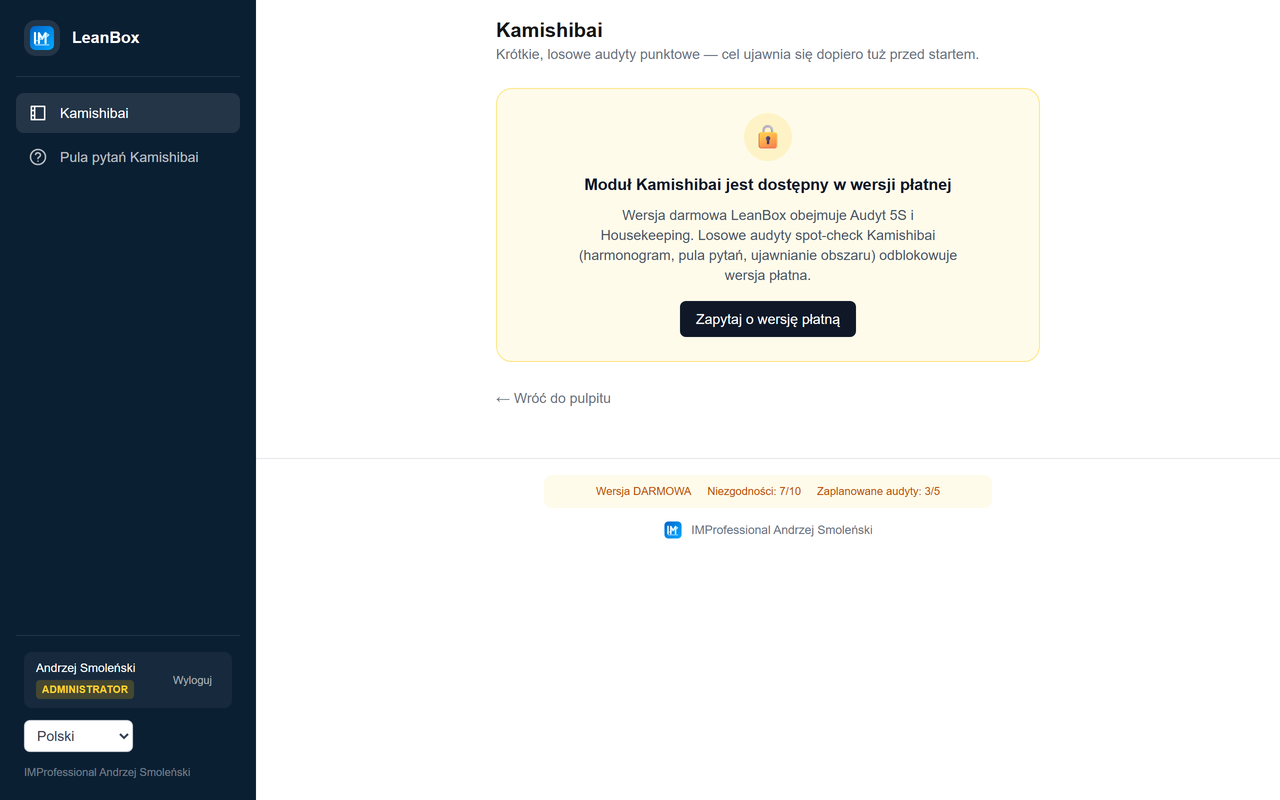
- Kamishibai module visible in the menu, but locked,
- no time limit, your data stays with you (local database).
Paid version
- no limit on findings or scheduled audits,
- the full Kamishibai module (random spot-check audits),
- implementation support,
- tailored to your team's scale — get in touch, let's talk.
How to get started
- Download and unzip the
LeanBox-Darmowa.zippackage anywhere on disk. - Run
zainstaluj.bat— it installs Node.js (if missing), libraries, the database and builds the application. A one-time internet connection is required. - After installation, click the "LeanBox" shortcut on the desktop and open
http://localhost:3000in your browser. - Create an administrator account, add areas and your first employees — the 5S checklist is already set up.