
Short answer
TWI Competency Map is a local web application for managers and leaders of production teams: a competency matrix, a TWI training module (JI/JR/JM), knowledge tests and a TV Dashboard. The free version covers up to 15 employees, 10 tests and 10 TWI training sessions, with no time limit. It installs locally in about 10 minutes, and your data stays on your computer.
Why I built this tool
My professional experience taught me one thing: an effective manager doesn't just hit targets — they also deliberately develop the people they work with.
Working with a team is more than delegating tasks and reviewing results. Above all, it's about building competencies every day, reinforcing good habits and making sure people don't fall into routine. It's just as important that they don't forget skills they already gained, but keep reinforcing and applying them in practice.
In many companies, people try to organize this with Excel sheets and competency maps. That approach can help, but it often stays too generic, too scattered, or simply isn't convenient for everyday use. I always felt the lack of a tool built specifically for this kind of work — one that supports a manager in the real development of a team, not just in administratively recording competencies.
So I decided to build my own solution, and today I'm sharing it.
This tool is free for small teams. You can use it as a ready-made solution in everyday work. It isn't a closed or finished product — it's a development version that will keep growing with further experience, observations and feedback, if any comes in.
Building this tool also has a personal backstory. Life sometimes hands you a good moment to make use of, and I had one while looking for a new professional role. Instead of waiting passively, I decided to use that time to create something useful — a tool that comes from practice and that can help others doing similar work.
So if you're looking for a simpler way to support competency development on your team, that's exactly what this tool is for.
What the application does
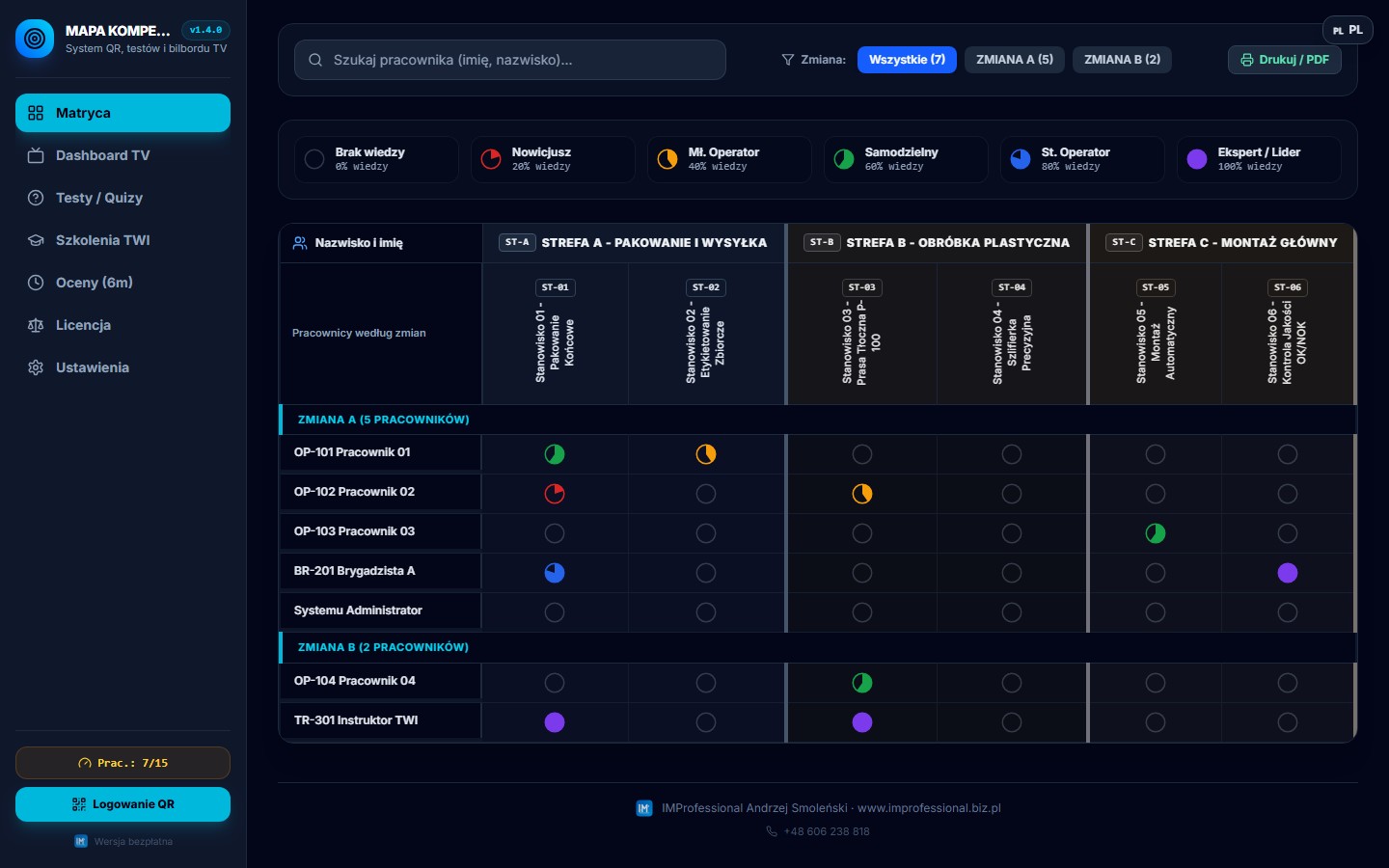
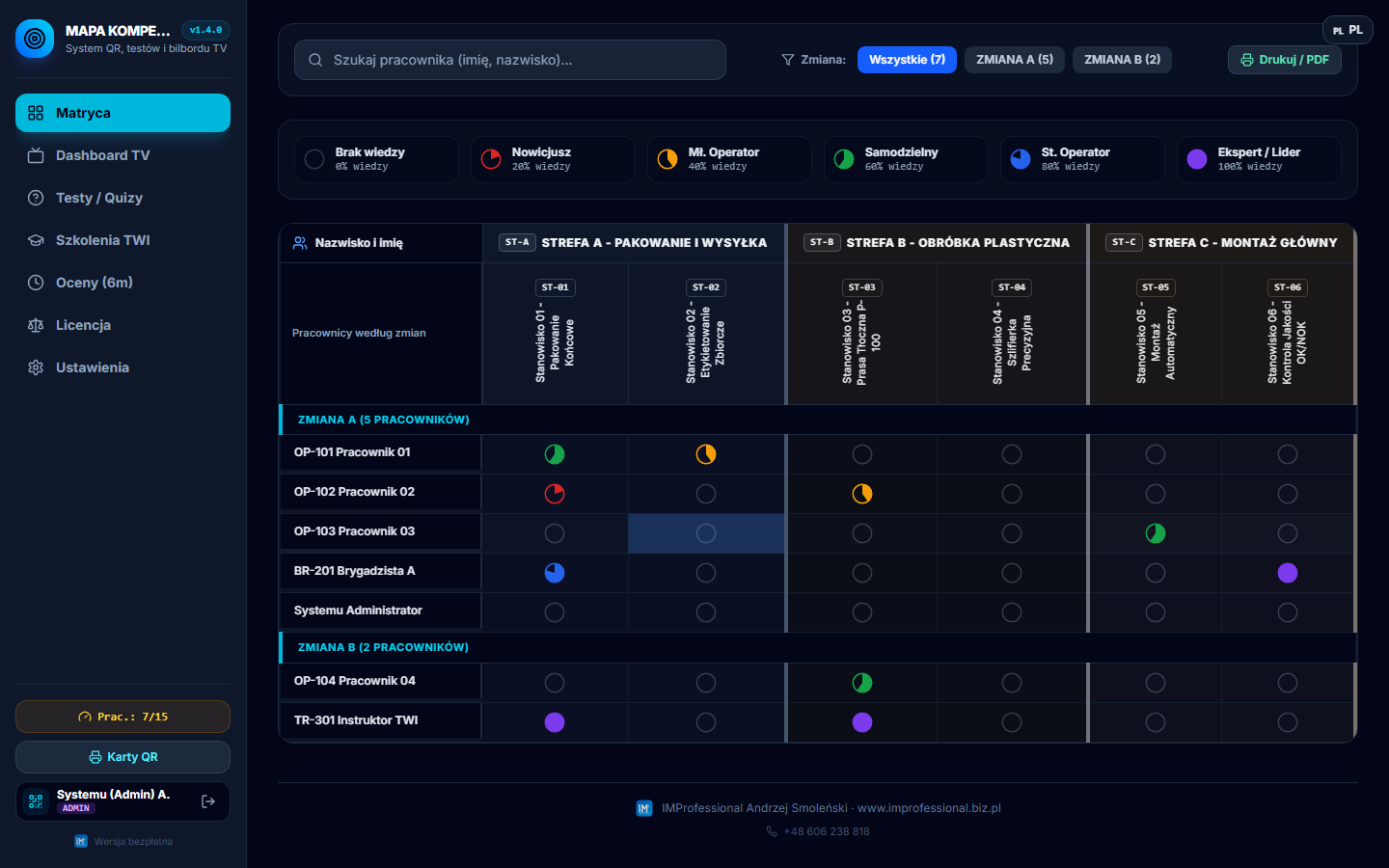
- Competency matrix — skill levels, a change history, reminders to refresh knowledge.
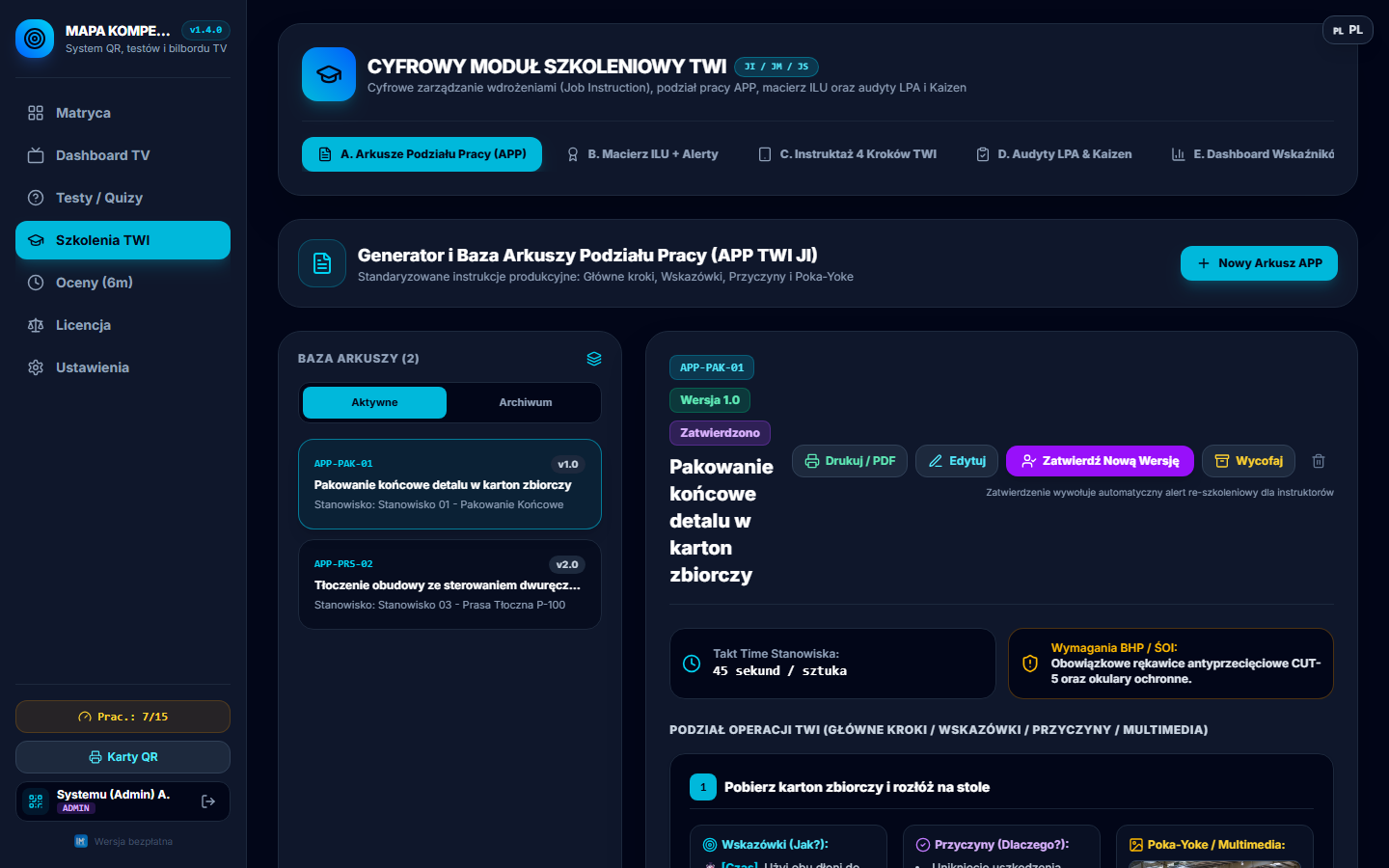
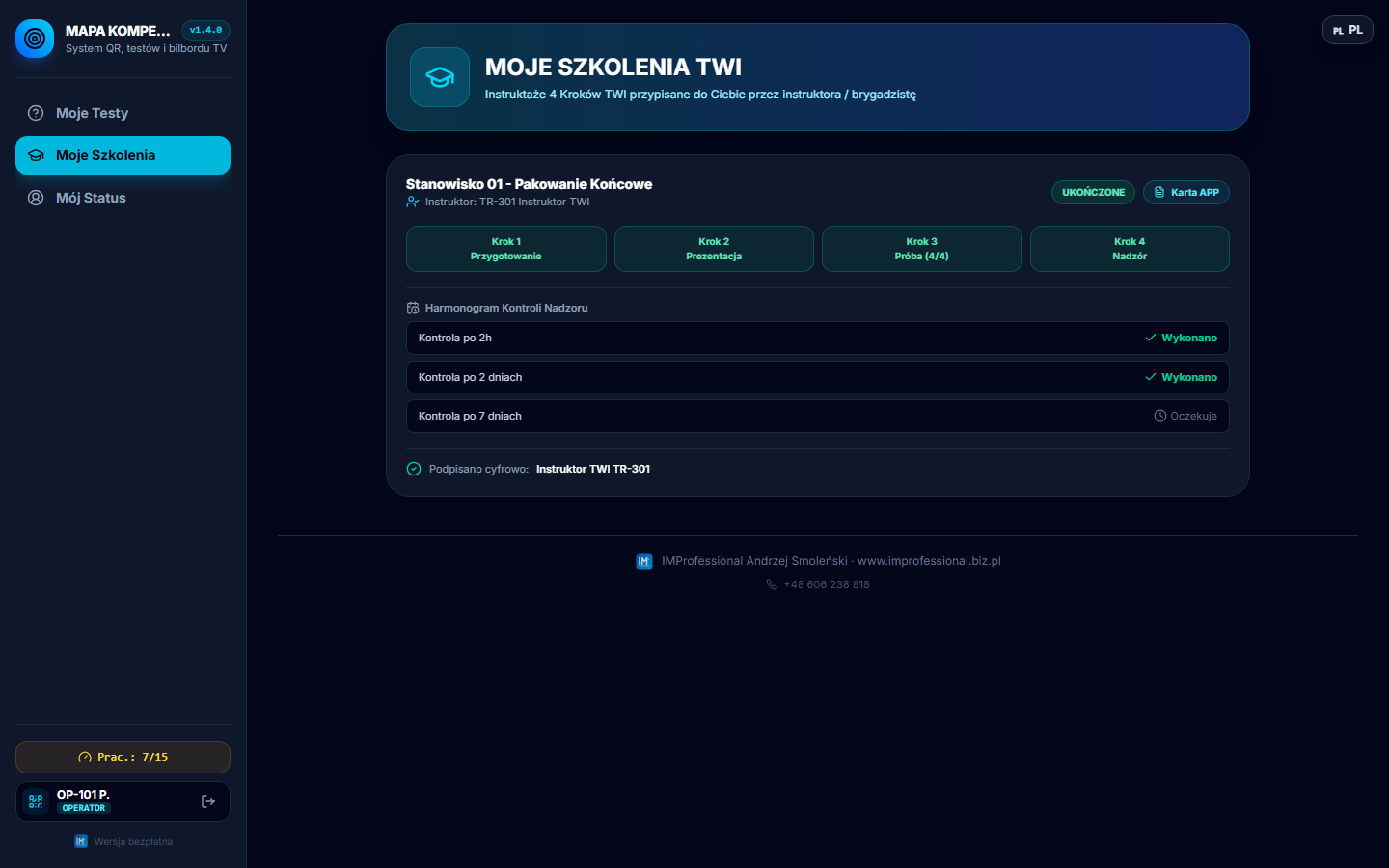
- TWI training (JI/JR/JM) — APP job breakdown sheets, a schedule, tracking each employee's progress.
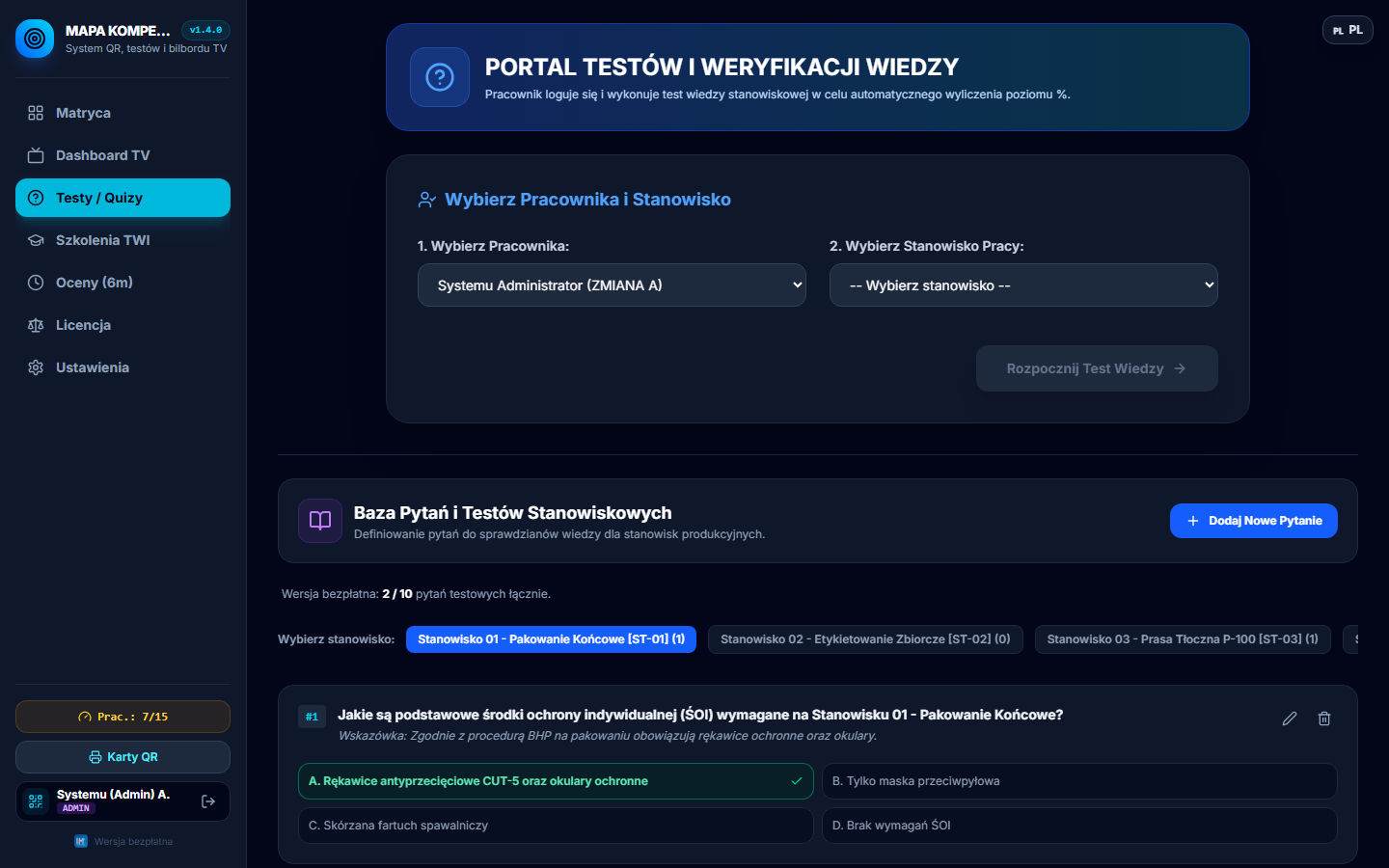
- Knowledge tests / quizzes — automatic scoring, questions assigned to a role or a topic.
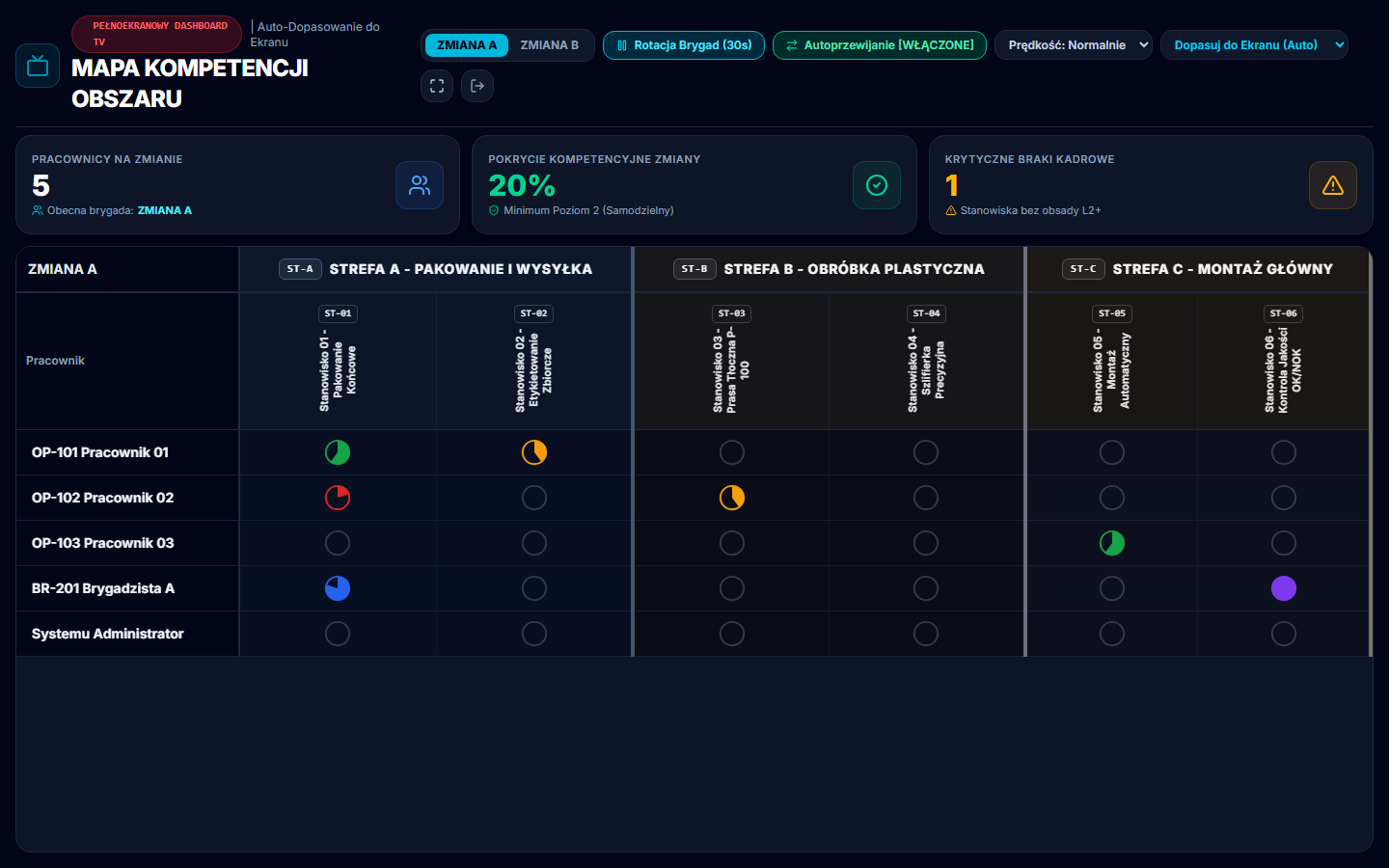
- TV Dashboard — a menu-free kiosk view for displaying team statuses on the shop floor.
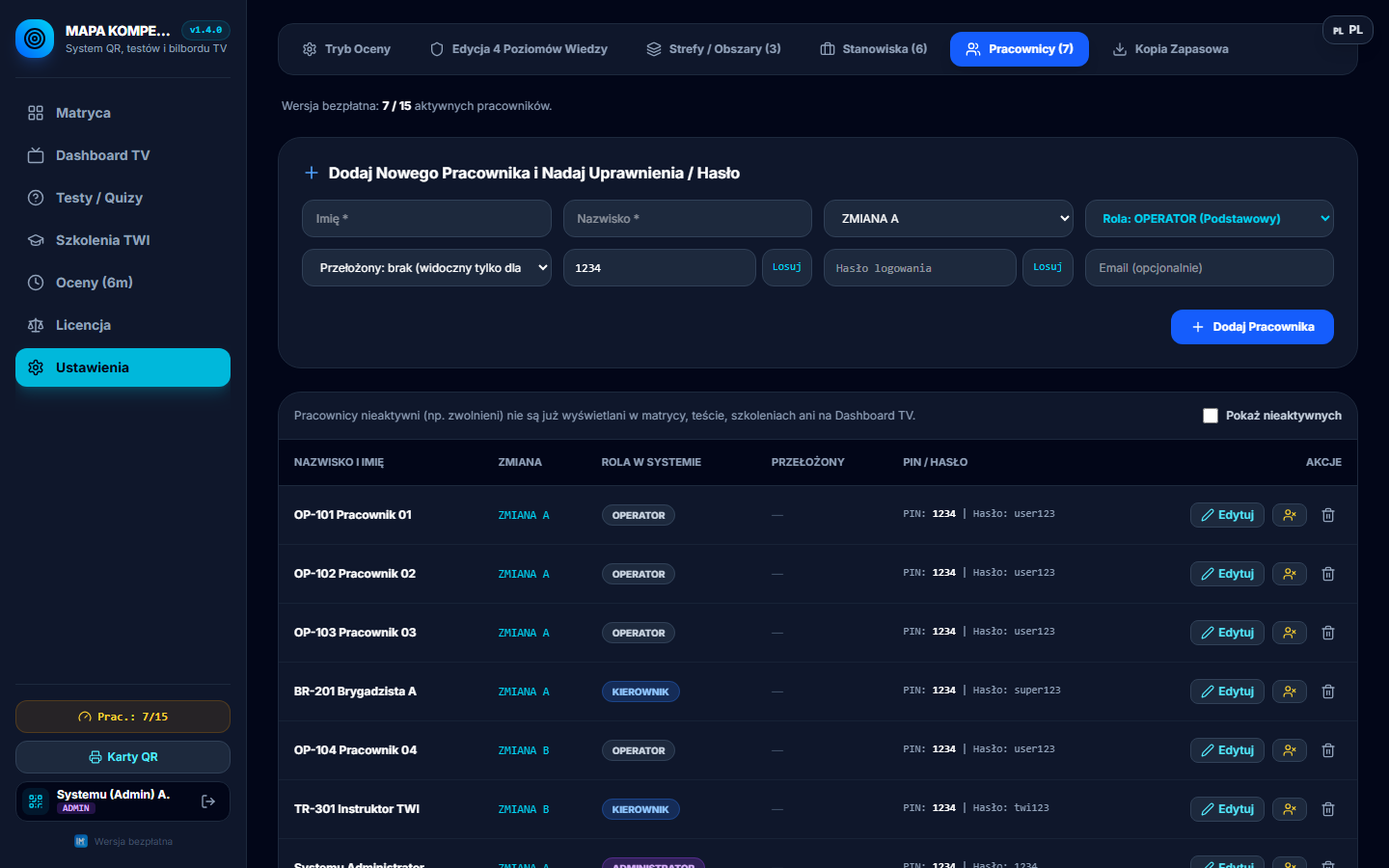
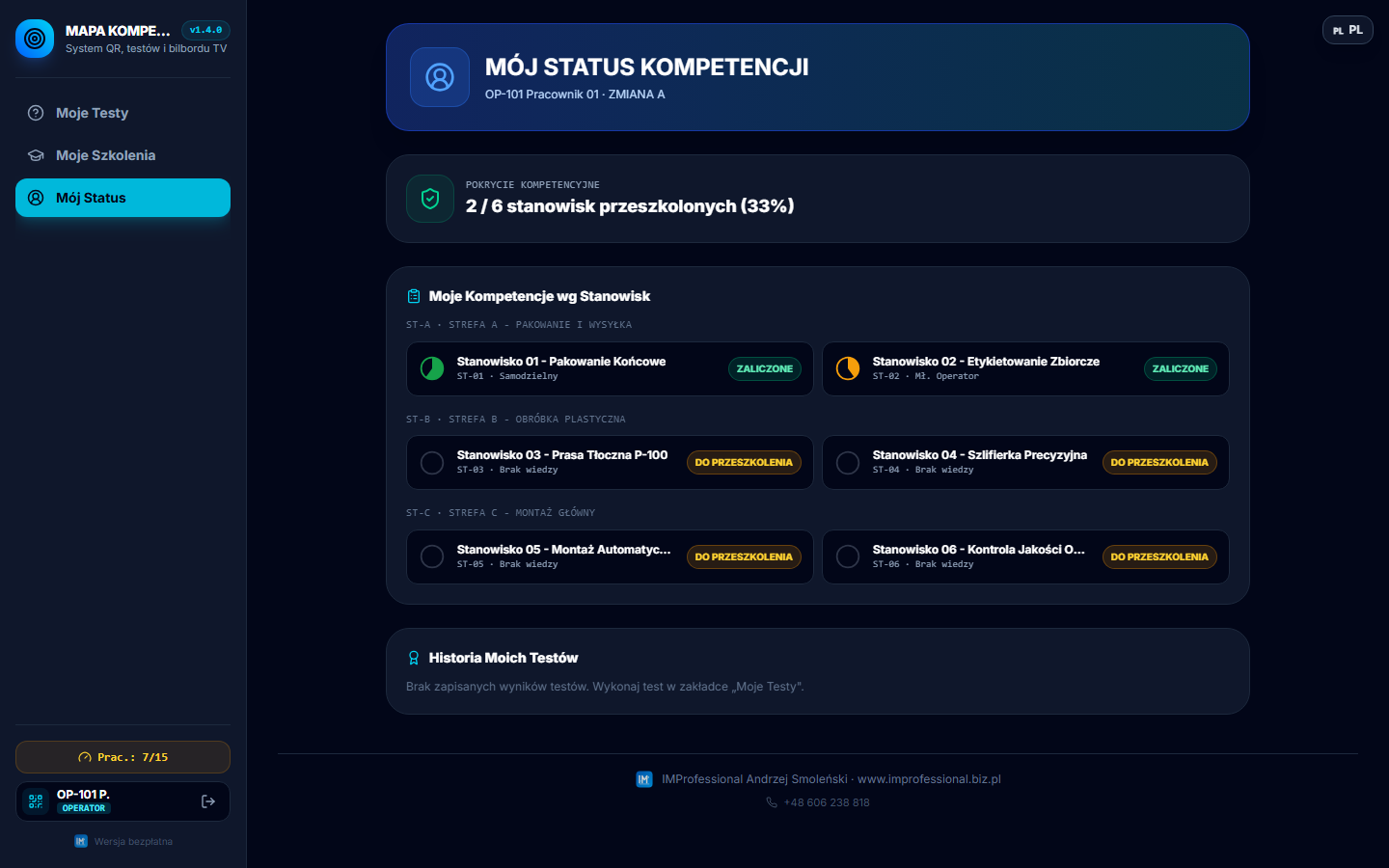
- Roles and permissions — Admin, Manager/Leader (sees only assigned employees), Employee (sees only their own tests, training and status).
- Print and PDF export — APP sheets, matrices and assessments, printable directly from the browser.
- 3 language versions — Polish, English, Ukrainian, with a switcher in the corner of the screen.
See the application in action
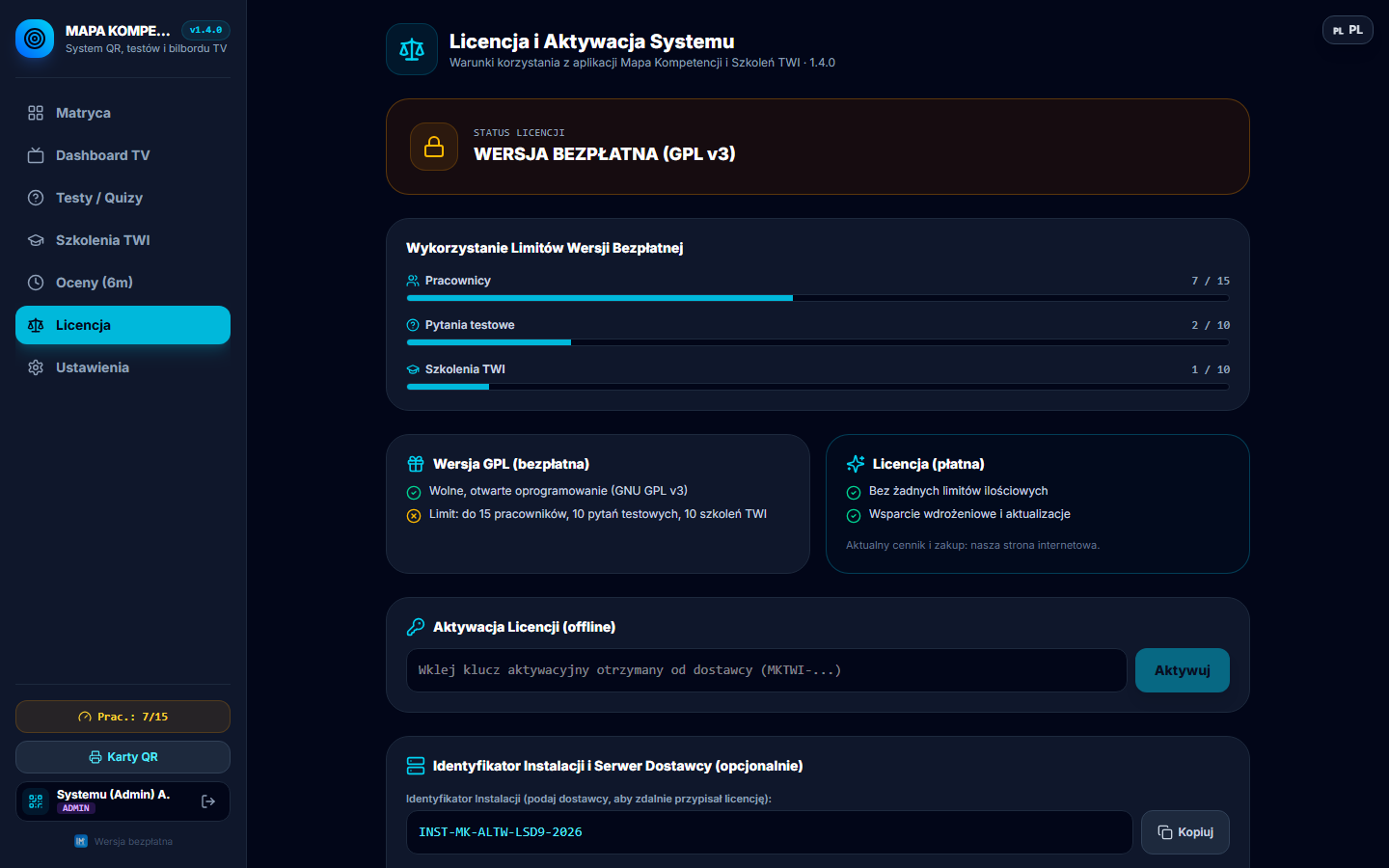
Below are real screenshots from the working application — no mockups.
Short demo video
A 29-second walkthrough of the main features — login, competency matrix, TV Dashboard, TWI training, tests, licensing and the employee view.
License: free and commercial
The free version is not a trial — there's no time limit. It only limits the team's scale. When your team grows or you need full scale, I'm happy to tailor a license to your situation — get in touch, a short conversation is enough.
Free version
- up to 15 employees,
- up to 10 knowledge tests,
- up to 10 TWI training sessions,
- full functionality, no time limit,
- local install, your data stays with you.
Commercial license
- no limit on employees, tests or training,
- an organization-wide license key,
- implementation support,
- updates within the version,
- tailored to your team's scale — get in touch, let's talk.
How to install (4 steps)
Download the package
Download and unzip Mapa_Kompetencji_TWI_v1.4.0.zip into any folder on your computer or a server on your local network.
Install
Run PIERWSZE_INSTALACJA.bat — it installs the required dependencies (requires Node.js to be installed).
Start the server
Run URUCHOM_SERWER_LAN.bat so the whole team can access the app on the local network, on port 3000.
Log in
Open the application in your browser and log in as Manager/Admin (default password in the instructions) to configure your team.
The full step-by-step instructions (PDF/Word) are included in the ZIP package.